Offline media toolkit for Windows
SliceCRC
Cut · Record · Convert
Many tools, one app, zero uploads. Cut videos and songs, convert formats, record your screen and save media from the web — everything runs on your device.
Plus a built-in media player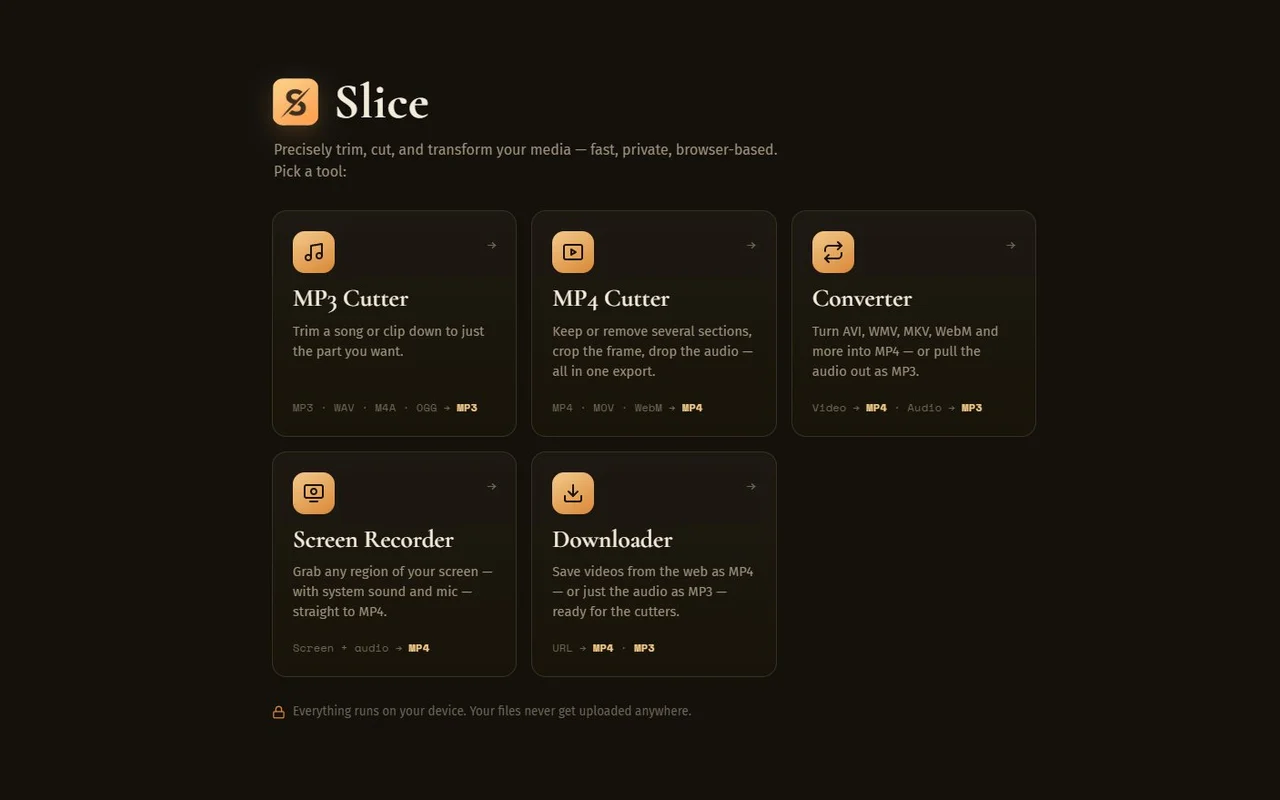
Tap a tool — every one opens a live demo
The tools
Many tools. One window.
Everything runs locally with a built-in media engine — no plugins, no internet required. Click any screen to play with a live demo.
MP3 Cutter
Cut your songs on a real waveform. Mark sections to keep or remove — as many as you like — drag the handles, scrub the playhead, and export one clean MP3 with seamless joins.
MP3 · WAV · M4A · OGG → MP3MP4 Cutter
Keep or remove several sections, crop the frame, drop the audio — all in one export. Frame-accurate, with smart bitrate detection so quality never collapses.
MP4 · MOV · WebM → MP4Converter
Turn AVI, WMV, MKV, WebM and more into MP4 — or pull the audio out as MP3 at the bitrate you choose. Drop a file, pick the output, done.
Video → MP4 · Audio → MP3Screen Recorder
A floating frame you place over any part of the screen. Resize it, then record just that area — with system sound and your mic — straight to MP4.
Screen + audio → MP4Downloader
Save videos from the web as MP4 — or just the audio as MP3 — straight into your Downloads folder, ready for the cutters.
URL → MP4 · MP3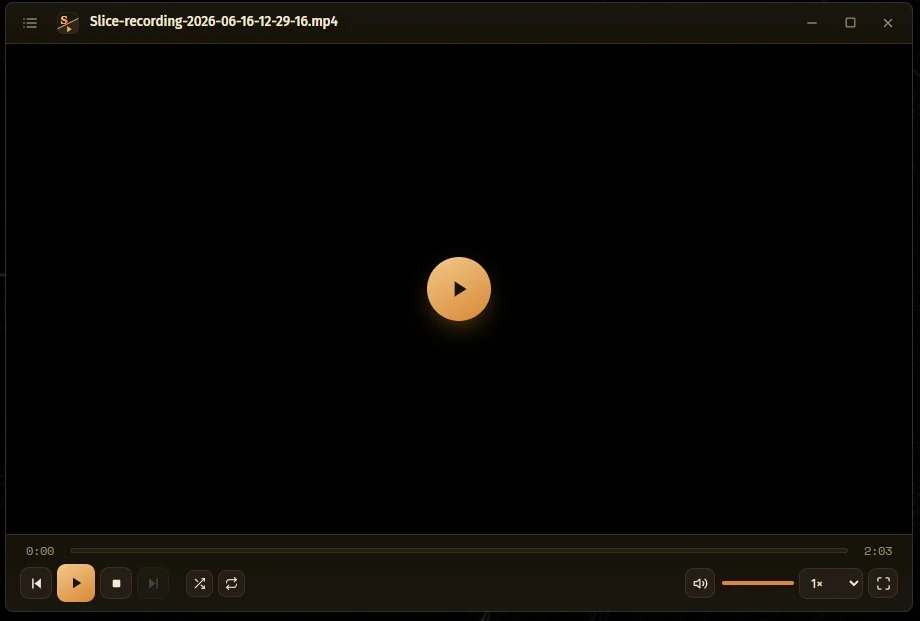
Slice Player
A clean, lightweight media player built into Slice. Build a playlist, shuffle and repeat, scrub frame-by-frame, go fullscreen. Set it as your default and double-click any video or song to open it instantly.
MP4 · MOV · WebM · MP3 · WAV · FLAC → playPricing
One license, every tool
Pay once, use it for as long as you like.
Slice CRC — personal license
- All five tools included
- Windows 10 & 11 (64-bit)
- App updates included
- No subscription, ever
Enter your beta code to download. Public release coming soon.
FAQ
Questions, answered
Is Slice really offline?+
Yes. Cutting, converting and recording all happen locally with the app's built-in media engine. You can disconnect from the internet and everything keeps working — only the Downloader naturally needs a connection.
Which Windows versions are supported?+
Windows 10 and Windows 11, 64-bit. No extra codecs or plugins needed.
Windows says “Windows protected your PC” — is that normal?+
Yes — that's Microsoft SmartScreen flagging a new, unsigned installer, not a virus warning. Click “More info” and then “Run anyway”. Code signing is on our roadmap.
Which formats does it handle?+
Video: MP4, MOV, WebM, AVI, WMV, MKV and more — always exporting MP4. Audio: MP3, WAV, M4A, OGG — exporting MP3. AV1 video isn't supported yet.
How do I get updates?+
Automatically. Slice checks for updates on its own and installs them with one click from inside the app — no need to visit the site or reinstall. Your settings stay in place.
Which open-source tools does it use?+
Slice is powered by trusted open-source engines: FFmpeg (GPLv3) for media processing, yt-dlp for downloads, and Deno as a helper runtime. Slice's own code is proprietary; these tools keep their own licenses. View third-party licenses